AI & Signage
The Ship’s Log · No. 1
Weighing Anchor: Why AI Changes What a Digital Signage CMS Should Be
Most signage platforms bolted AI onto an old workflow. Here's what changes when AI is built into the CMS itself, from agents that run your screens to live data and answers advertisers can trust.
Mike Tinnes4 min read
Welcome to The Ship's Log, an occasional series on what AI actually changes for digital signage and retail media. No hype, just how AI can be put to work running a screen network day to day. Fittingly, we'll start with our name.
wind·lass /ˈwɪnd·ləs/ noun
a winch that lets a small crew raise a heavy anchor.
That's the idea behind Wyndlass: AI agents handle the heavy, repetitive work of running a screen network, so a small team can focus on the content and the results. And they act only within the permissions, approvals and rollback you set.
That's a very different starting point from where signage software began.
Riding at anchor
Most digital signage platforms were designed around one idea: a person sits at a desk, uploads a file, drags it into a playlist, and assigns it to a schedule. That model worked when a network had twenty screens and one marketing calendar.
It does not work as well when you have hundreds of screens, a dozen locations with different hours, a menu that changes when stock runs out, and an advertiser asking what their spot actually delivered. The work grows with every screen you add, and almost all of it is manual.
The usual answer has been to add AI as a feature. A button that writes a headline. A tool that resizes an image. Those help, but the rest of the workflow is unchanged. Someone still has to notice what needs doing, do it, and check it worked.
Weighing anchor: four shifts
Building AI into the CMS, rather than onto it, changes four things.
1. From doing the work to directing it
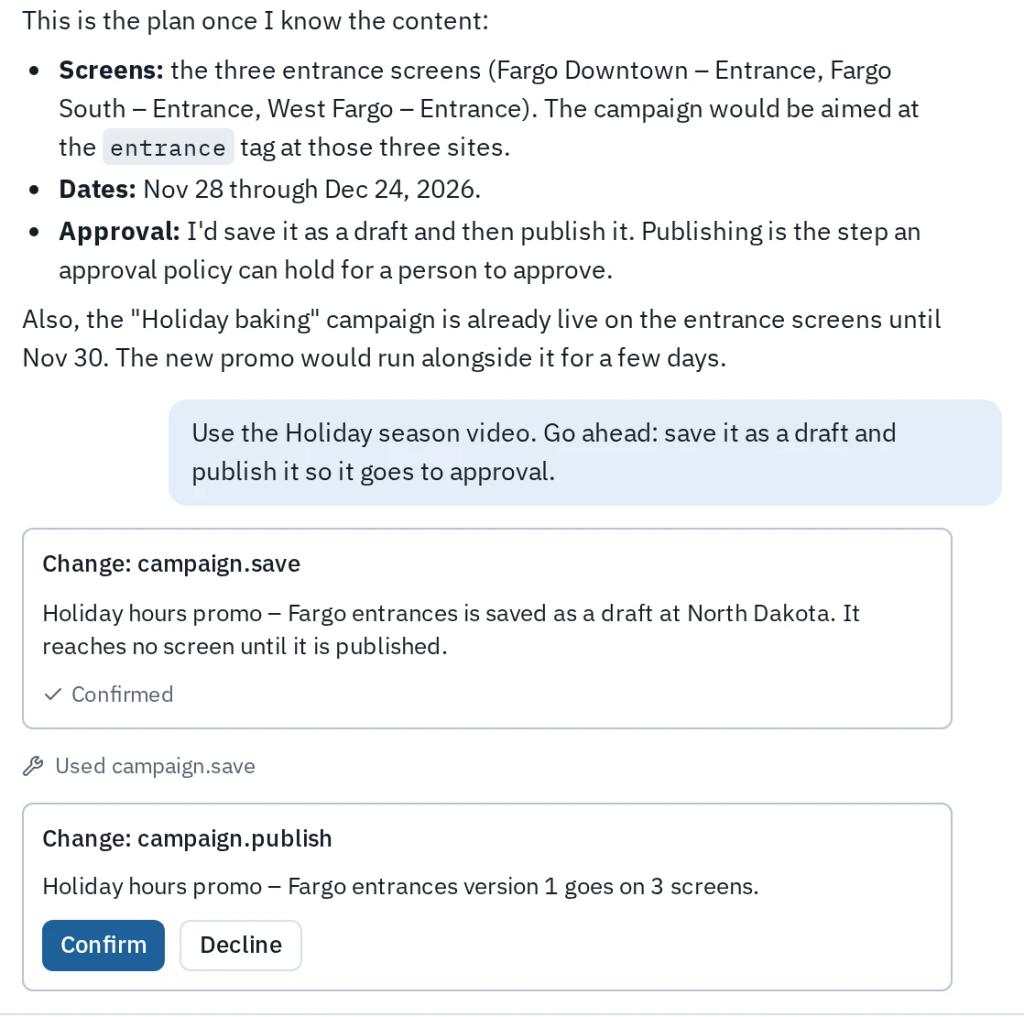
In a traditional CMS, you are the engine. In an AI-native one, you set the heading and the crew does the rowing. You describe the outcome ("put the holiday promo on every entrance screen in the Midwest from Black Friday through Christmas Eve") and an agent works out the playlists, schedules and screens.
The important part is that you stay at the helm. Every change an agent proposes shows up as a reviewable change set. You can approve it, reject it, or undo it later. Autopilot, not a ghost ship.
2. From static files to live content
The classic signage asset is a JPEG someone exported last Tuesday. It is out of date the moment a price changes.
When layouts bind directly to data tables, the screen becomes a view of your business, not a copy of it. Menus, open roles, inventory and wait times update when the data does. AI helps on both ends: it can build the layout around the table, and it can set filters like "only show items in stock" without anyone touching the rows.
3. From blank canvas to first draft
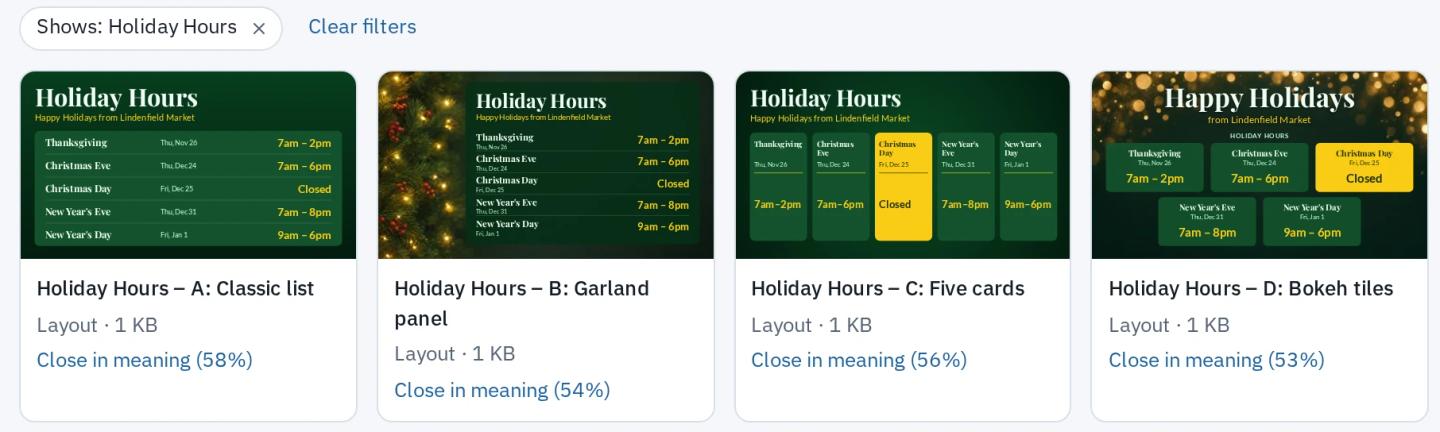
The hardest part of signage design is usually starting. Prompt-to-layout means you describe the screen and get several real, editable layouts back, already using your brand colors and fonts. You pick one and refine it. Nothing is a flattened image; every element can still be moved, restyled or bound to data.
4. From reports to answers
Retail media lives or dies on proof. Advertisers want to know what ran, where, and what it did. Traditional platforms hand you an export and wish you luck.
An AI-native platform can answer the question directly: "Which stores under-delivered on the spring campaign, and why?" It can explain why a screen played what it played, flag a dark screen before a customer notices, and tie play data to audience measurement. That turns screens from a cost center into inventory you can sell with confidence.

Why built-in matters
You can bolt an AI assistant onto any product. The difference is whether the AI can see and act on everything the CMS can: screens, schedules, layouts, data and play history. When it can, the same agent that builds a layout can also schedule it, check it played and report on it. When it can't, you're back to copying things between tabs.
That's also why we expose the whole platform through MCP. The assistant you already use, whether that's Claude, ChatGPT or your own agent, can operate your screens with the same permissions and approvals as a person.
Setting a course
The point of all this isn't fewer people. It's that the people you have stop spending their week on uploads and schedules, and start spending it on the content and the advertisers that actually move the business.
That's the course Wyndlass is set on: a digital signage platform where AI does the hauling and you do the steering. Over the next few entries in The Ship's Log we'll go deeper on each shift: agents that run your screens, live data, retail media measurement, and more.
Wyndlass is launching invite-only. If you run screens and you're tired of riding at anchor, request an invite.
Next in The Ship's Log: Autopilot, Not a Ghost Ship — how AI agents run signage with a human at the helm.
Related posts
News & Announcements
Introducing Wyndlass
Wyndlass is a new, AI-first digital signage platform. Instead of wrestling with calendars and playlists, you tell your screens what to do, from our app or from the AI tools you already use.