Governance
Control, for people and AI alike
Every change, whether a person, an agent or an integration makes it, goes through the same roles, approvals and audit log, and recent changes can be undone in one click.
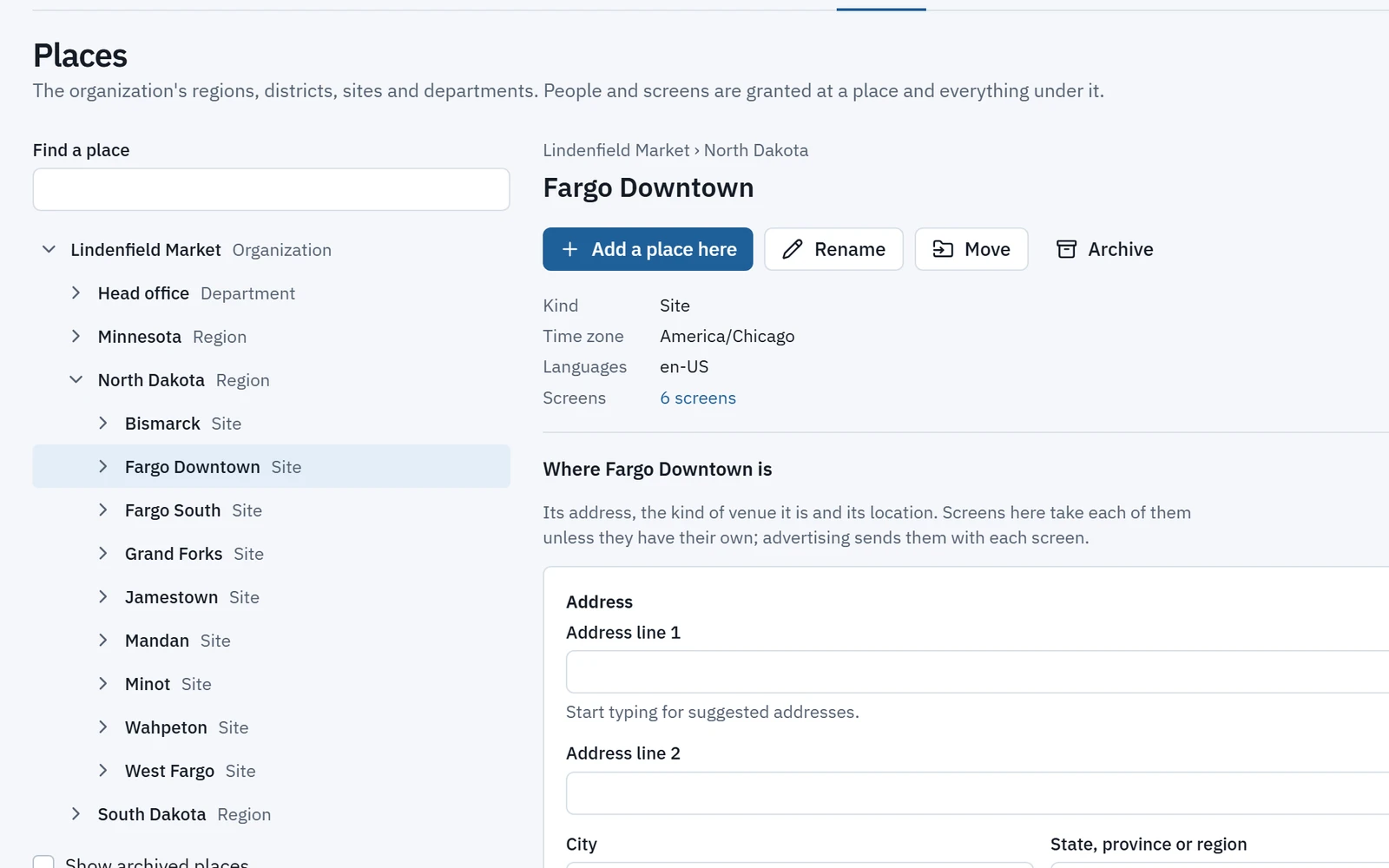
Places and roles
Your organization, as it really is
Model regions, franchisees, sites and floors as a tree of places. Roles granted at a place apply there and below, so a store manager sees their store and a regional lead sees the region.
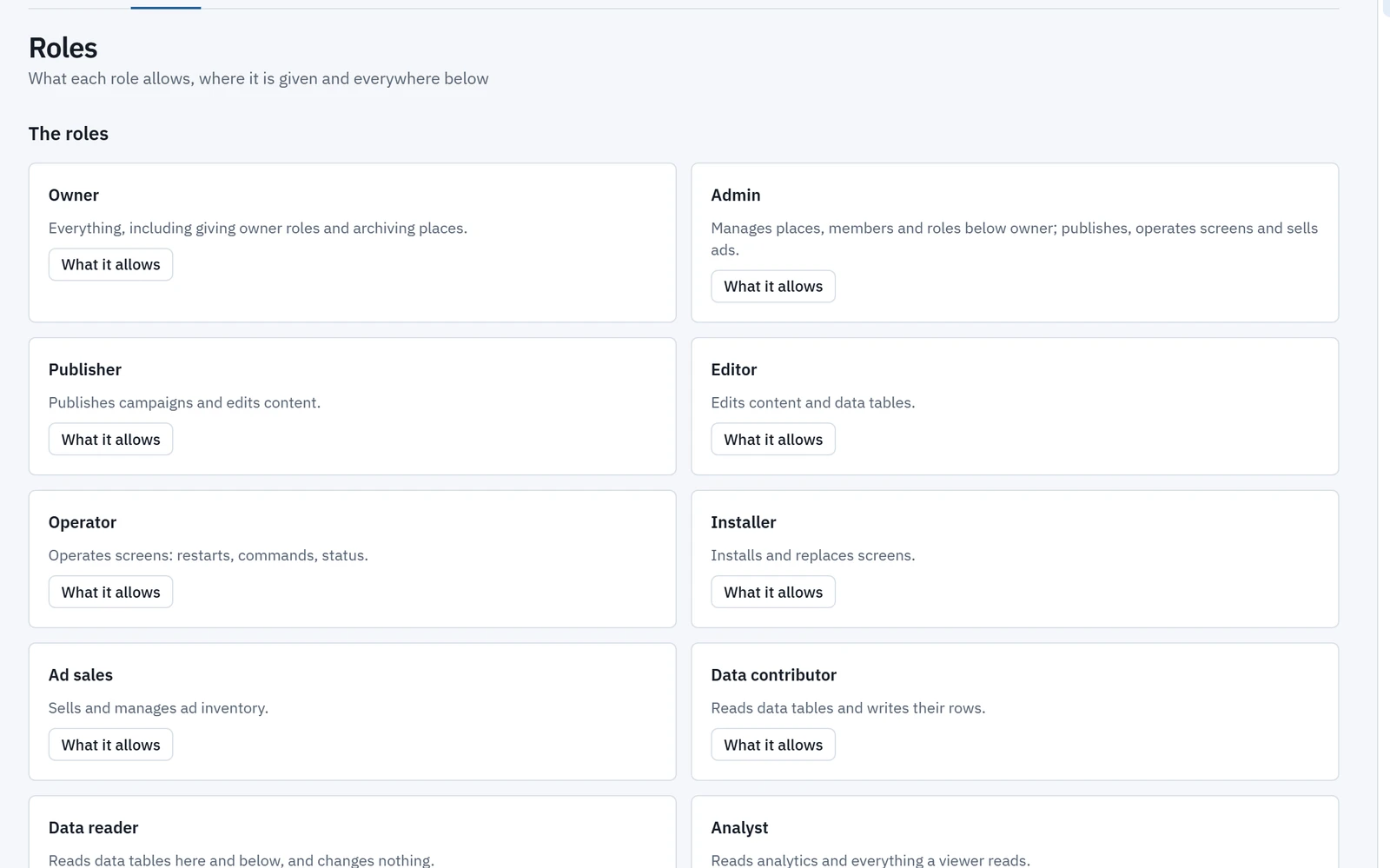
- Thirteen built-in roles: Owner, Admin, Billing admin, Publisher, Editor, Approver, Operator, Installer, Analyst, Viewer, Ad sales, Data contributor and Data reader.
- Grants can end on a date, and a Roles page shows what each role allows, down to each operation.
- Invite people by email with roles at places. Removing someone is previewed first: what they lose, and which agents or API clients they own.
Approvals
Risky changes wait for the right person
Approval policies hold risky or wide-reaching changes, whether they come from people, agents or integrations. The approver sees the change as previewed, its reach and its risk.
- Approve several at once.
- Approvers get an email, and each place can send a signed webhook.
- Nobody, person or agent, approves their own change.
Separation of duties applies to people and AI alike.
Content agent on behalf of Pat
Publish the spring menu to every site in the North region.
- 112 screens
- 38 sites
- Wide reach
Approved
Dana R. (Approver) approved the change. It is recorded in the audit log.
Undo and audit
Every change on record, and reversible
Recent changes can be undone in one click within an undo window, 24 hours by default and set by risk. Older ones can be reverted from the activity list, with a preview that shows anything changed since.
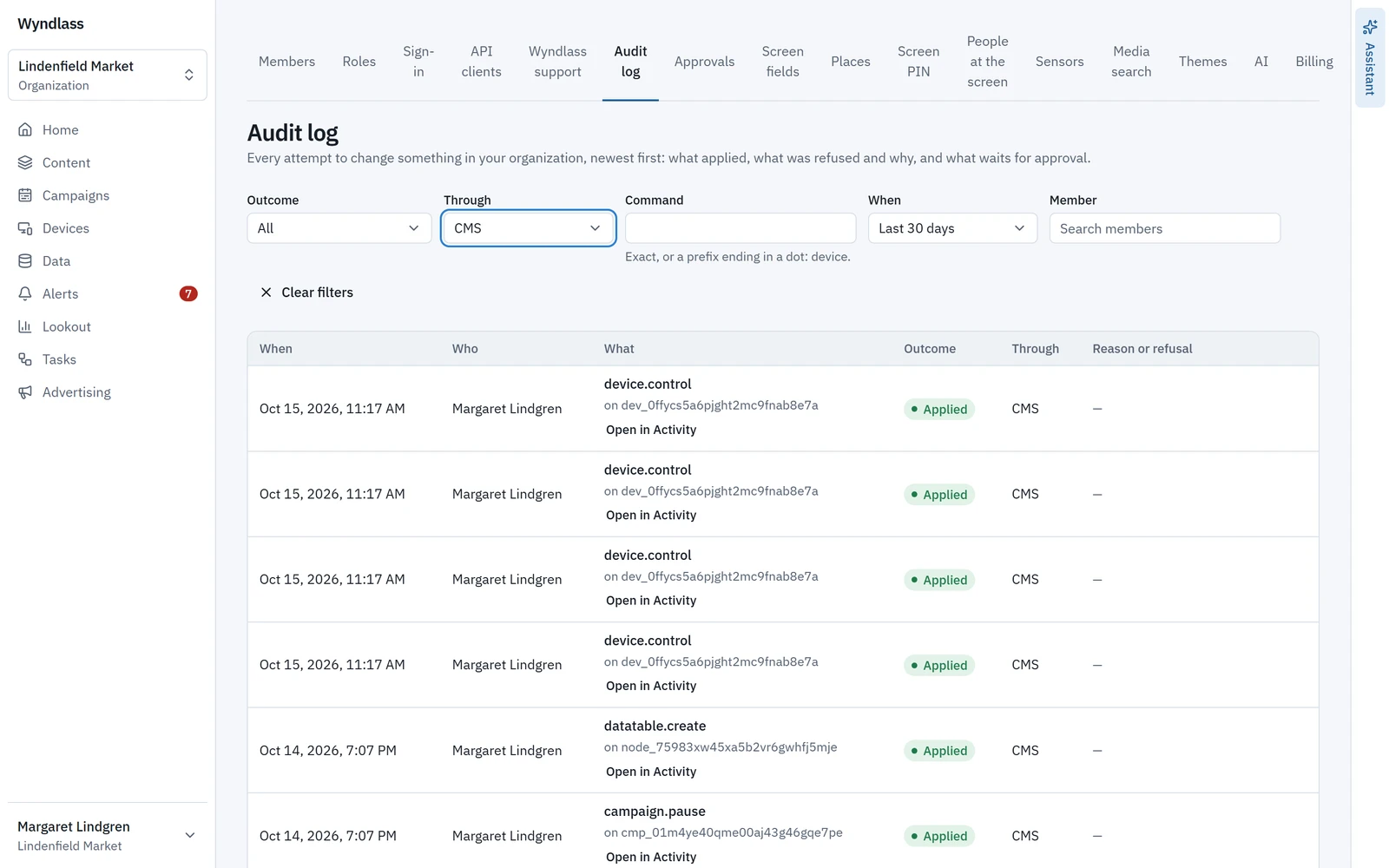
- The audit log records every attempt to change anything, including those refused or held: who did it, through which surface (CMS, API or MCP), and why.
- Filter by person, command, outcome and date.
- Media, layouts, playlists, campaigns, audiences, advertisers and data tables are archived first, after a warning that says what uses them, and can be restored for 30 days.
Sign-in and support
Single sign-on, and support access you control
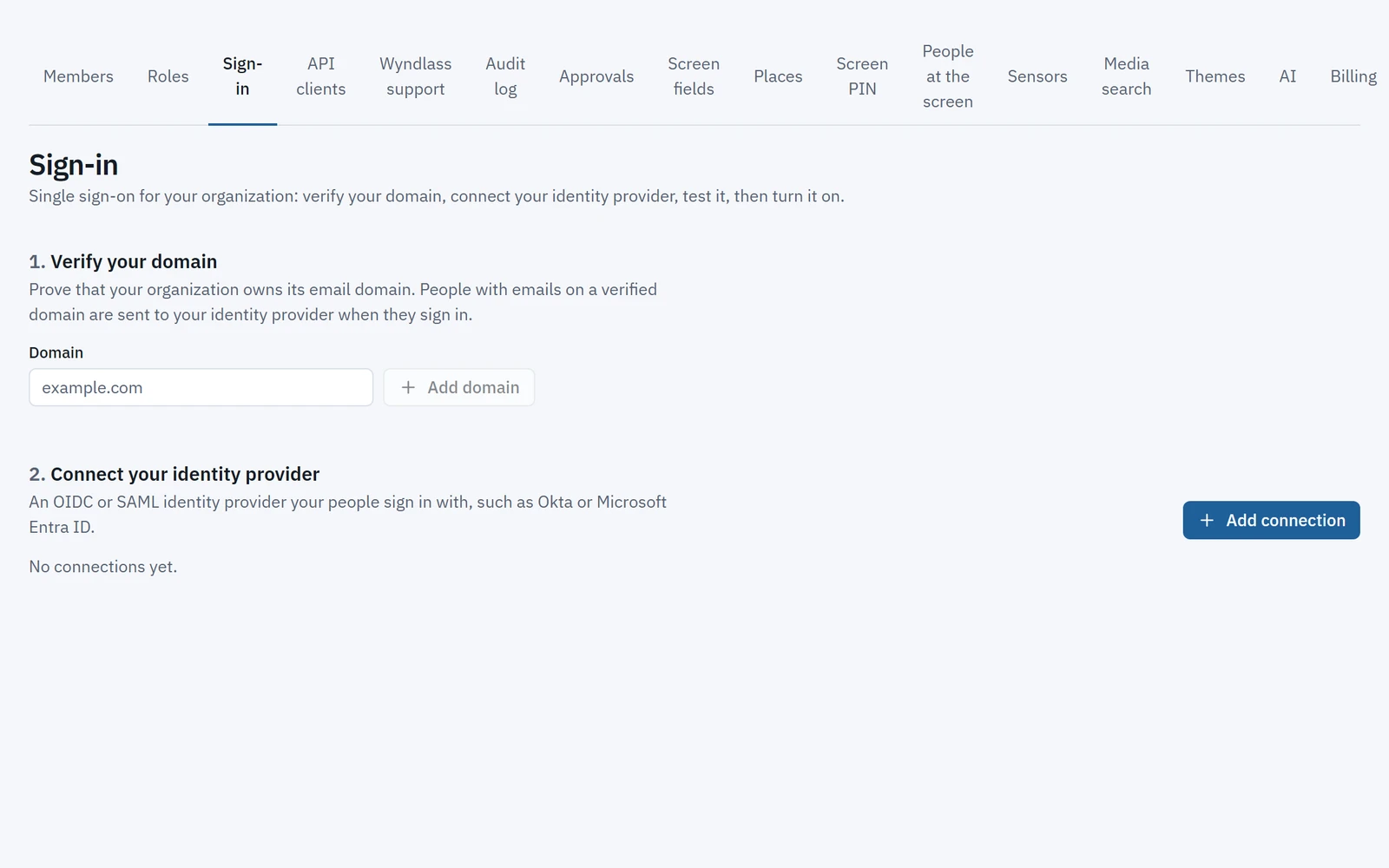
People sign in with a password or a passkey, with two-factor available, or through single sign-on with your identity provider.
- OIDC or SAML per organization, with domain verification, a test sign-in, group-to-role mappings and an option to require SSO, with a break-glass owner kept outside it.
- Users join just in time, or are provisioned and removed by SCIM.
- Wyndlass support enters your organization only with time-limited, recorded access. Owners see every access, its reason and level, and can end it.
Governance: common questions
Can a store manager see only their own store?
Yes. Roles are granted at a place in your tree and apply there and below, so a store manager sees their store and a regional lead sees the region.
Do you support single sign-on?
Yes. OIDC or SAML per organization, with group-to-role mappings, an option to require SSO, and provisioning by SCIM.
What if someone makes a mistake?
Undo recent changes in one click within the undo window, 24 hours by default. Older changes can be reverted from the activity list, with a preview of anything changed since.
Are AI agents held to the same rules?
Yes. Agents have their own roles, their changes go through the same approval policies, every action is audited as “agent X on behalf of Y”, and no agent can approve its own change.
Can Wyndlass support see our data?
Only with time-limited, recorded access. Owners see every access, its reason and level, and can end it.
See Wyndlass on your screens
Access is by invitation during launch. Tell us about your network and we will reply by email.