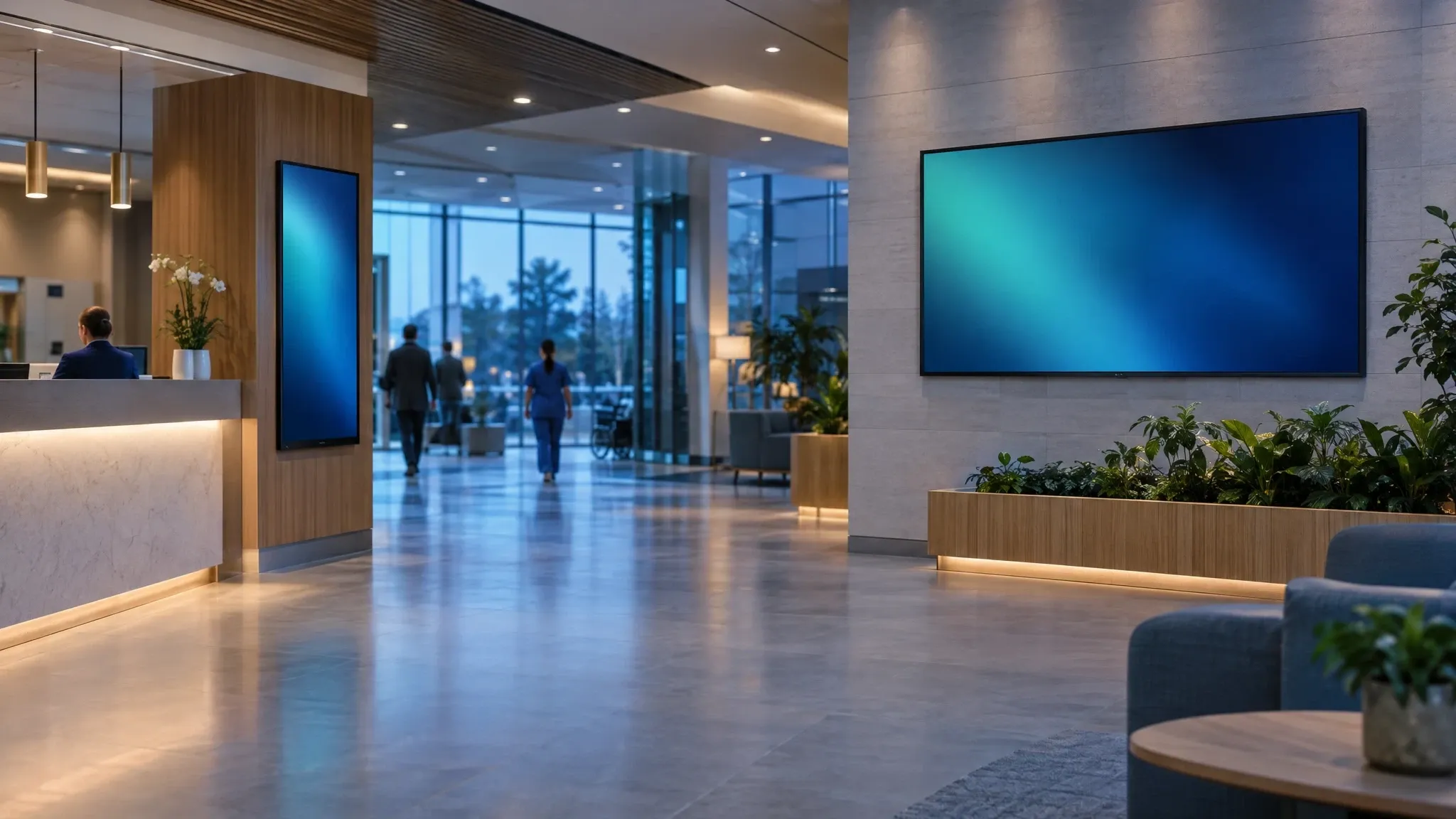
Illustrative scene, AI-generated
Hospitals, clinics and care networks
Accurate, approved information on every screen
Wyndlass agents keep wayfinding, waiting-room and staff screens current across every site, with approvals for patient-facing content, fine-grained permissions and a complete record of every change.
The challenge
In healthcare, the wrong message matters
Screens guide patients, inform visitors and update staff. Outdated or unapproved content causes confusion, and sometimes risk.
Many sites, many departments
Hospitals, clinics and outpatient sites each need their own wayfinding, hours and notices.
Information changes constantly
Clinic hours, closures and visiting rules change often, sometimes within the day.
Content needs sign-off
Health information and public notices often need review by the right person before they appear.
Small teams, large estates
Communications teams cannot keep hundreds of screens current by hand.
Operations and wayfinding
Update every site in one request
Tell an agent what changed. It finds the affected screens across your sites and departments, prepares the update and routes it for approval.
- Change clinic hours, closures and visiting rules everywhere they appear.
- Target content by site, building, department or floor.
- Scheduled agent jobs switch daytime and after-hours information on time.
Patient-facing notices can require approval from the right reviewer before they go live.
You
The east wing outpatient clinic closes at 4 p.m. on Friday for maintenance. Update the wayfinding and waiting-room screens and send patients to the west entrance.
Wyndlass agent
I found 23 screens in the east wing, the main lobby and 2 parking entrances. This is a patient notice, so it needs approval from Patient Communications. I’ve sent the request and scheduled it for Friday at noon.
- 23 screens
- 4 areas
- Approval requested
Approval
S. Patel (Patient Communications) approved the notice. Scheduled. Rollback available.
Content and scheduling
Content that follows each site’s real status
Combine schedules, site data and live feeds, so every screen shows what is true right now at its location.
- Show services, hours and campaigns only where they apply, from your site data.
- Triggered tasks update screens when a data table changes, such as a closure or a new clinic.
- Alerts flag screens that go dark or stop playing, with optional agent remediation.
Every automated change is audited and can be rolled back in one step.
- Site offers flu vaccinesisYesfrom a site services data table
- Clinic statusisOpenfrom a data table
- Screen zoneisWaiting room or entrance
Instead of October to December on every screen
Governance
Permissions and audit for regulated spaces
Give each department control of its own screens, keep agents inside clear limits and keep a complete record of every change.
- Fine-grained permissions by site, department and role, for people and agents.
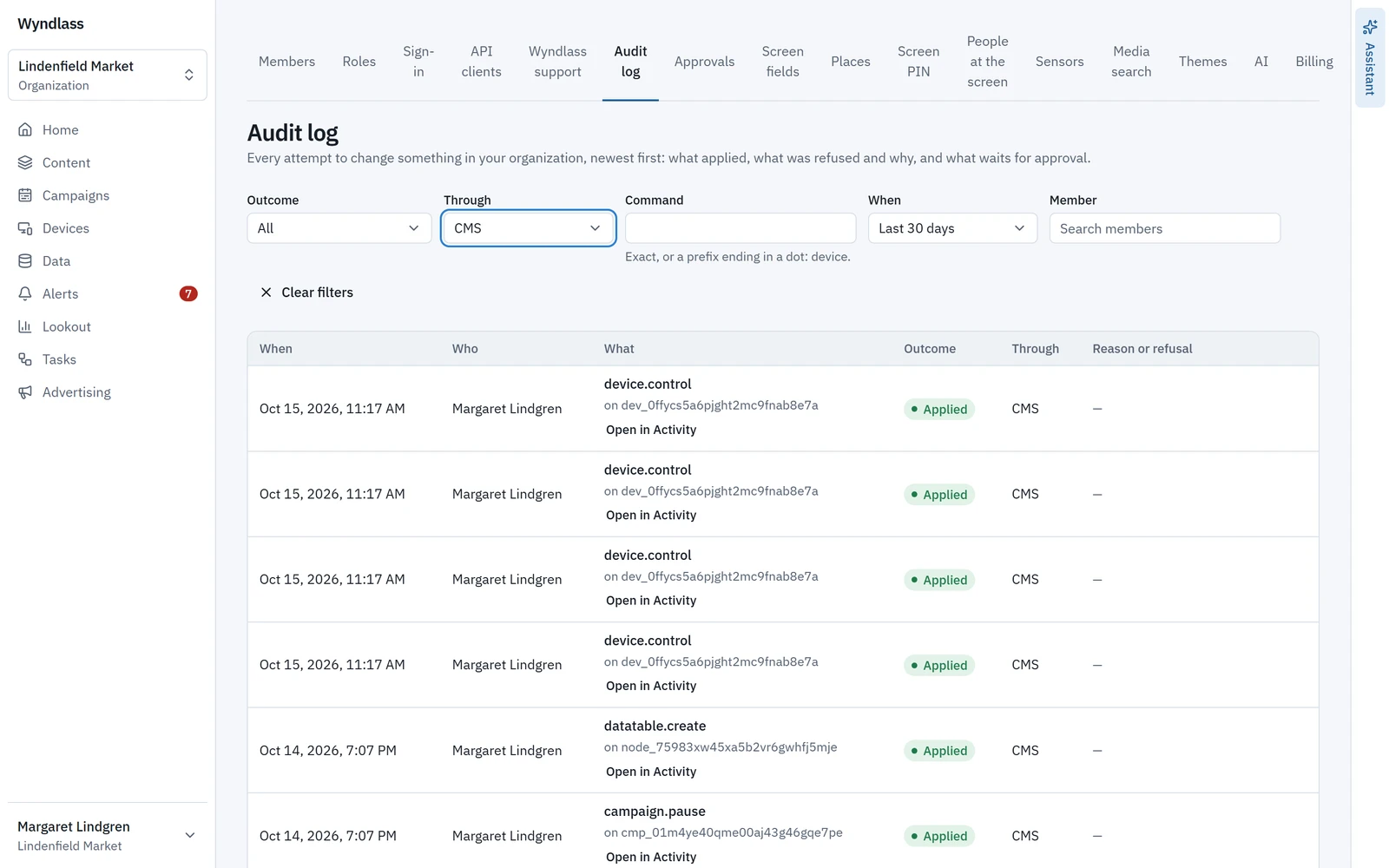
- A full audit trail of who or what changed each screen, and when.
- SAML single sign-on with your identity provider.
Departments change only their own screens, and agents only what their role allows.
Across the building
Every screen in the building
One platform for every area, each with its own content, rules and people.
Entrances and lobbies
Welcome, visiting hours and directions for patients and visitors.
Wayfinding
Directions to departments, clinics and parking, kept current as services move.
Waiting rooms
Health campaigns, service information and calm, approved content.
Cafés and public areas
Menus, opening hours and visitor information.
Staff areas
Shift updates, training reminders and internal news, kept current by agents.
In control by design
Let AI help, with the right people in control
The same controls that govern your people govern every agent.
Approvals for patient-facing content
Health information and public notices can wait for the right reviewer.
Permissions by site and department
Each team sees and changes only its own screens. Agents only do what their role allows.
Single sign-on
SAML single sign-on with your identity provider, on plans that include enterprise identity.
A full audit trail, and rollback
See every change by people and agents, and undo any of it in one step.
Healthcare: common questions
Can different departments manage their own screens?
Yes. Fine-grained permissions let each department, site or team manage only its own screens and content, while central communications keeps oversight.
Can patient-facing content require approval?
Yes. You decide which changes are high-consequence, and those wait for an authorized reviewer before they go live.
Is there a record of every change?
Yes. Every action, by people and by agents, is recorded in an audit trail, and any change can be rolled back in one step.
Does Wyndlass support single sign-on?
Yes. SAML single sign-on with your identity provider is available on plans that include enterprise identity.
Can Wyndlass display patient information?
Wyndlass is built for signage content such as wayfinding, notices and campaigns. Talk to us about your data requirements before planning to show any patient information.
See Wyndlass across your care sites
Access is by invitation during launch. Tell us about your network and we will reply by email.