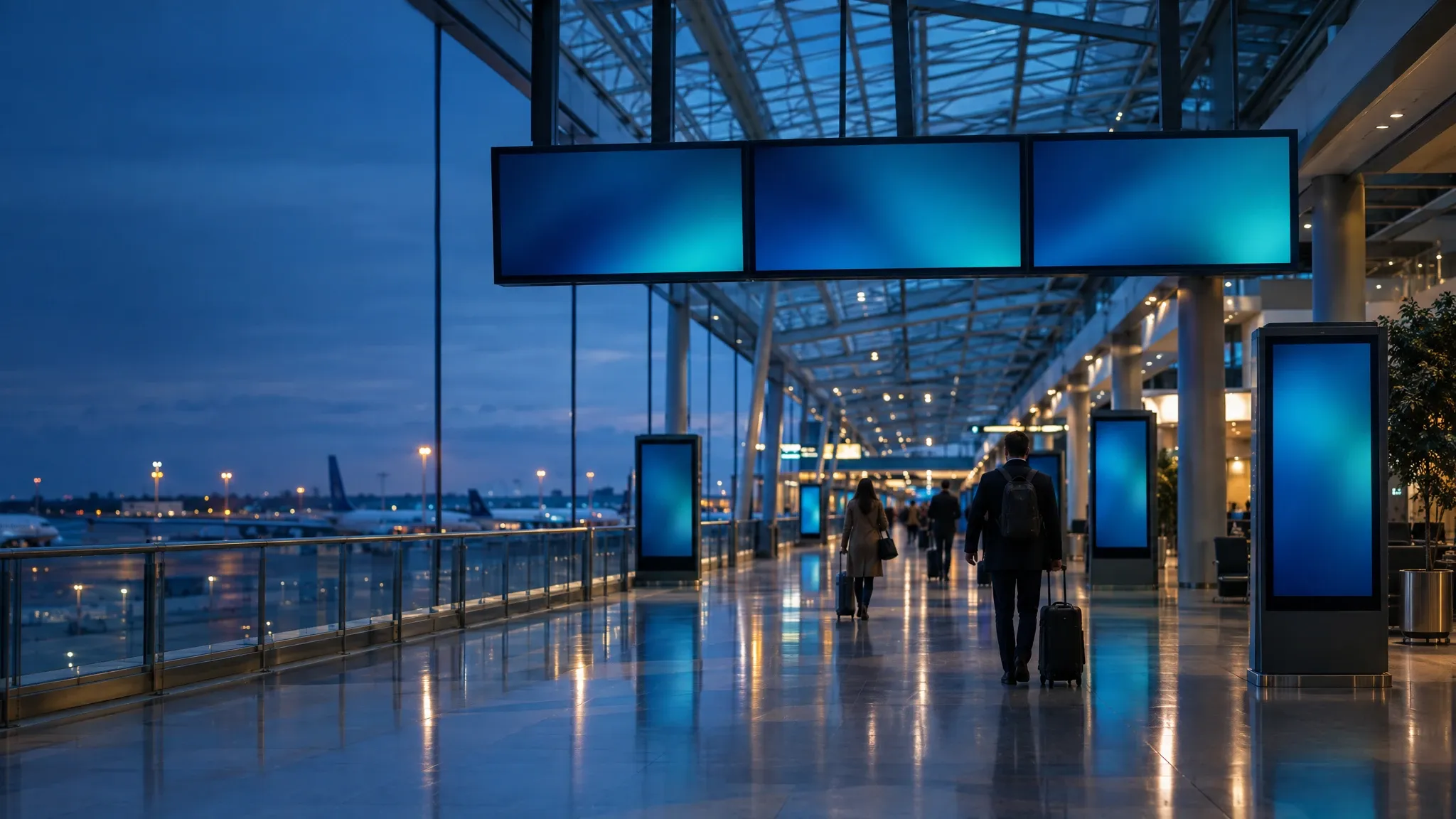
Illustrative scene, AI-generated
Airports, rail and public transit
The right information at every gate and platform
Wyndlass agents send service notices only to the stations they affect, keep wayfinding current from your data and run advertising across your network, with approvals for public notices and rollback for every change.
The challenge
Passengers act on what the screens say
People read screens to decide where to go next. Out-of-date notices and directions cause confusion, missed connections and complaints.
Large, spread-out networks
Stations, terminals and stops each need their own notices, directions and service information.
Service changes every day
Planned works, closures and timetable changes have to reach the right screens, and come down when they end.
Public notices need sign-off
What passengers read on screen should be checked by the right person before it appears.
Screens have to pay their way
Commercial teams sell screen time, and advertisers expect to see where and when their campaigns ran.
Passenger information
Service notices, only where they apply
Tell an agent what is changing. It finds the screens at the affected stations, prepares the notice and routes it for approval, then takes it down when the change ends.
- Target notices by line, station, terminal, platform or any property you track.
- Schedule planned works and timetable changes for the right dates, and retire them on time.
- Keep wayfinding and station information current from your data tables.
Public notices can require approval from operations or passenger communications before they go live.
You
The Riverside line is closed between Elm Park and North Quay this weekend for planned works. Tell passengers at every affected station about the replacement buses, from Friday evening until the line reopens.
Wyndlass agent
That’s 48 screens at 9 stations on the Riverside line, plus 12 screens at 2 interchange stations. Public notices need approval from Passenger Communications, so I’ve sent the request. It’s scheduled from 8:00 p.m. Friday and comes down at the start of service on Monday.
- 11 stations
- 60 screens
- Approval requested
Approval
M. Okafor (Passenger Communications) approved the notice. Scheduled. Rollback available.
Content and scheduling
Screens that follow the network’s real status
Combine schedules, station data and feeds from your own systems, so each screen shows what is true at its location right now.
- Data tables can sync from third-party data providers, such as your facilities or service status systems.
- Triggered tasks update screens when a data table changes, such as an elevator going out of service.
- Alerts flag screens that go dark or stop playing, with optional agent remediation.
Every automated change is audited and can be rolled back in one step.
- Elevator statusisOut of servicefrom a station facilities data table
- StationisThe screen’s station
- Screen zoneisEntrance or ticket hall
Instead of updating each station by hand whenever an elevator fails
Transit media
Advertising revenue, with control over every placement
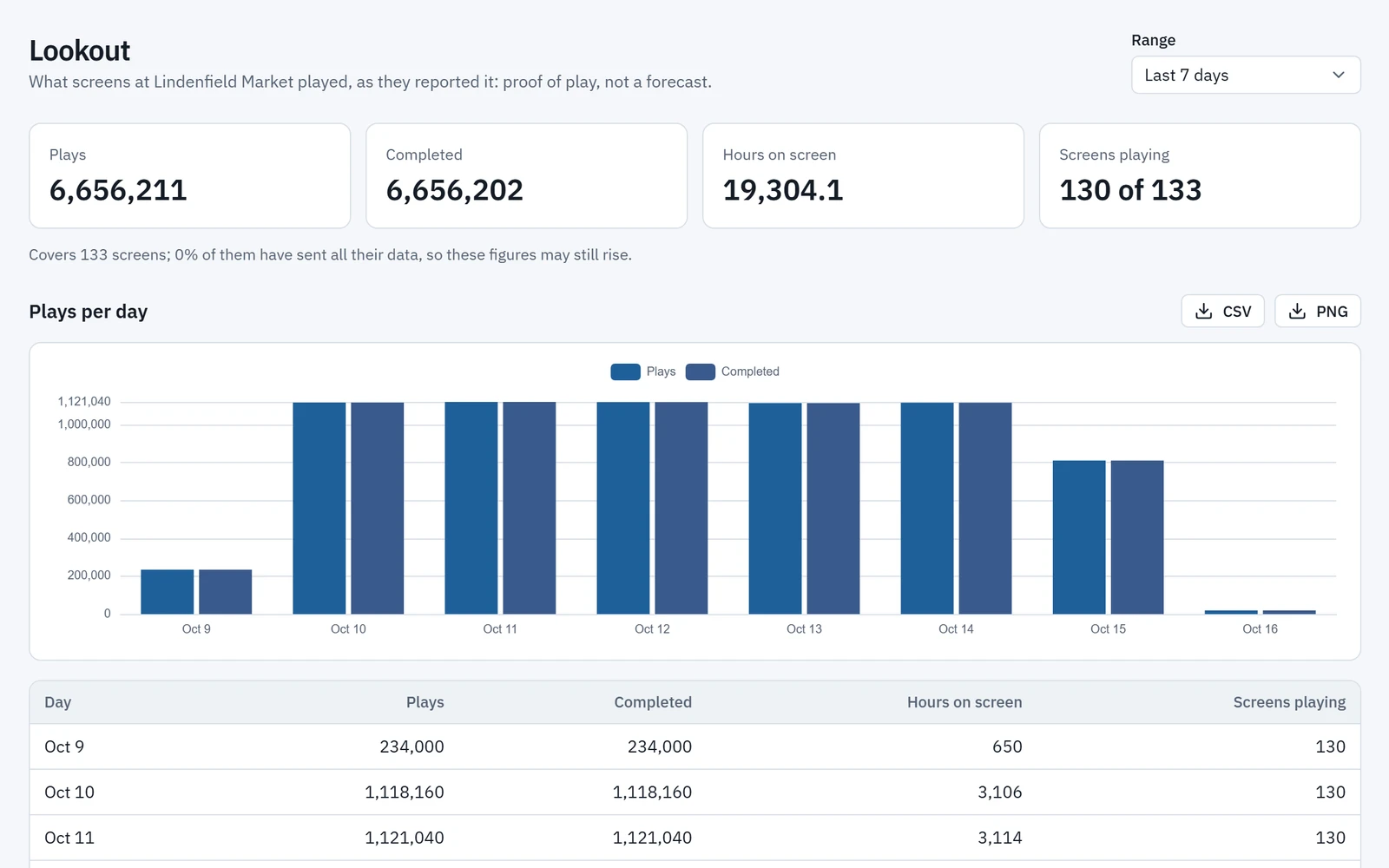
Sell screen time on concourses, platforms and entrances, and let AI place each campaign where and when it performs, with reporting from Lookout.
- AI-assisted placement that weighs time of day, season, local events and audience metrics.
- Lookout, Wyndlass’s network analytics, shows playback and audience performance by station, zone and campaign.
- Placement rules keep advertising off the screens and zones you reserve for passenger information.
Placement rules and creative approvals keep every campaign right for your network and your advertisers.
Across the network
Every screen on the network
One platform for every area, each with its own content, rules and people.
Entrances and ticket halls
Service notices, fares information and directions as passengers arrive.
Concourses and terminals
Wayfinding, service updates and advertising on large-format displays.
Platforms and gates
Notices and information for each platform or gate, kept current from your data.
Shops and waiting areas
Advertising, concessions and travel information while passengers wait.
Staff and operations areas
Shift updates, safety reminders and internal news, kept current by agents.
In control by design
Public information, under your control
The same controls that govern your people govern every agent.
Approvals for public notices
Passenger notices can wait for the right reviewer before they go live.
Permissions by station, line and team
Station, operations and commercial teams each change only their own content. Agents only do what their role allows.
Lines, regions and media partners as organizations
Each with its own screens, content and people.
A full audit trail, and rollback
See every change by people and agents, and undo any of it in one step.
Transportation: common questions
Can notices go only to the stations they affect?
Yes. Target content by line, station, platform or any property you track, and schedule it to come down when the change ends.
Can passenger notices require approval?
Yes. You decide which changes are high-consequence, and those wait for an authorized reviewer before they go live.
Can Wyndlass show live departures and arrivals?
Wyndlass shows content from data tables, which can sync from third-party data providers. Talk to us about your passenger information systems and how often their data needs to update before planning live departure boards.
Can we sell advertising on our screens?
Yes. Wyndlass supports AI-assisted ad placement, and Lookout reports playback and audience performance for each campaign.
Is Wyndlass an emergency alerting system?
No. Wyndlass is built for signage content such as service notices, wayfinding and advertising. Keep emergency and safety-critical messages on the systems designed for them, and talk to us about how Wyndlass fits alongside them.
See Wyndlass across your network
Access is by invitation during launch. Tell us about your network and we will reply by email.